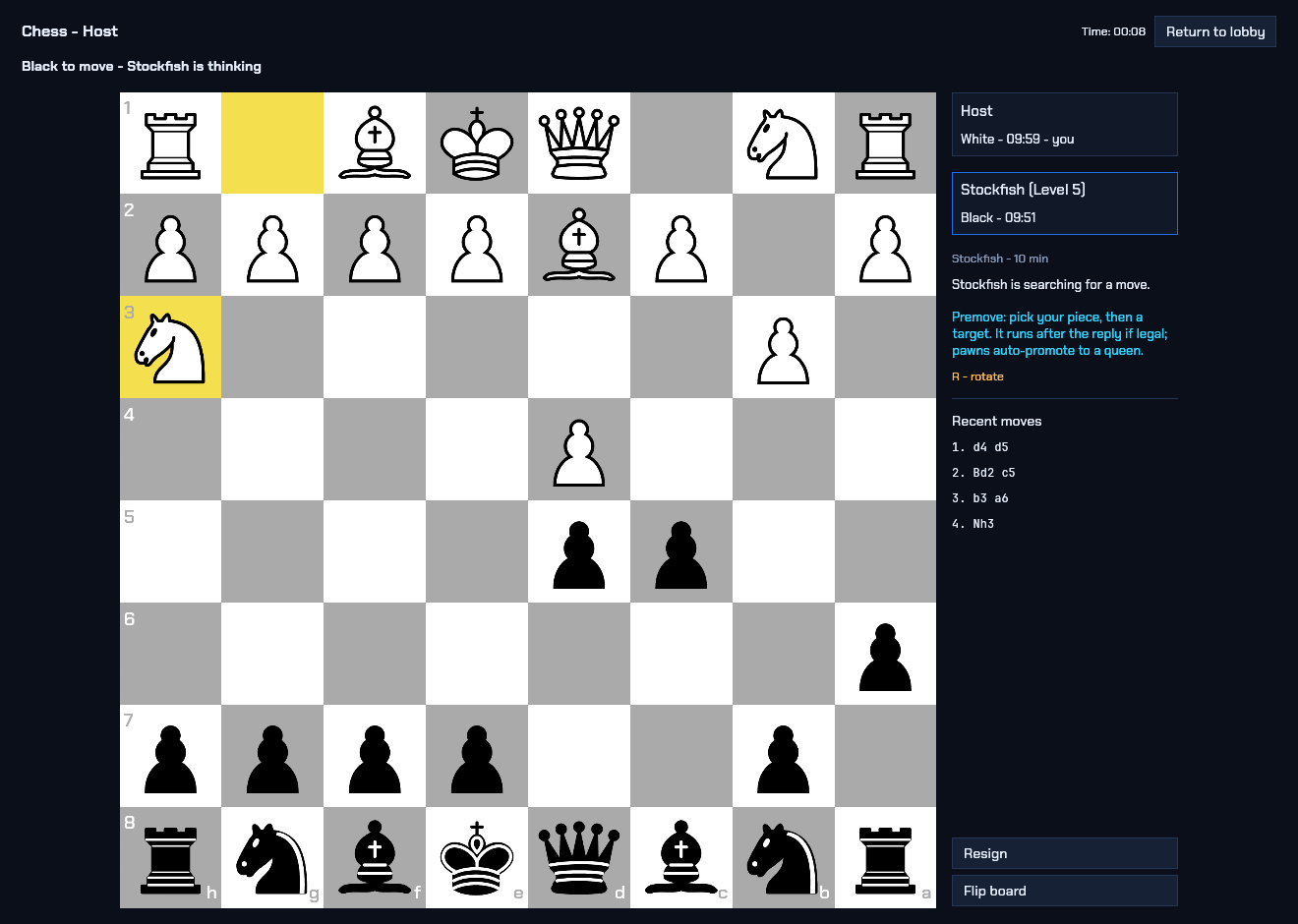
Chess
Play a friend or take on Stockfish. On Windows, revisit saved games and follow alternative moves in the analysis screen.

Your lobby for game night
Play board games, trivia, and party games with friends. Pick a game, start a lobby, and share a join code.
Go solo against the computer, share a screen, or invite a friend to your lobby.
Play a friend or take on Stockfish. On Windows, revisit saved games and follow alternative moves in the analysis screen.
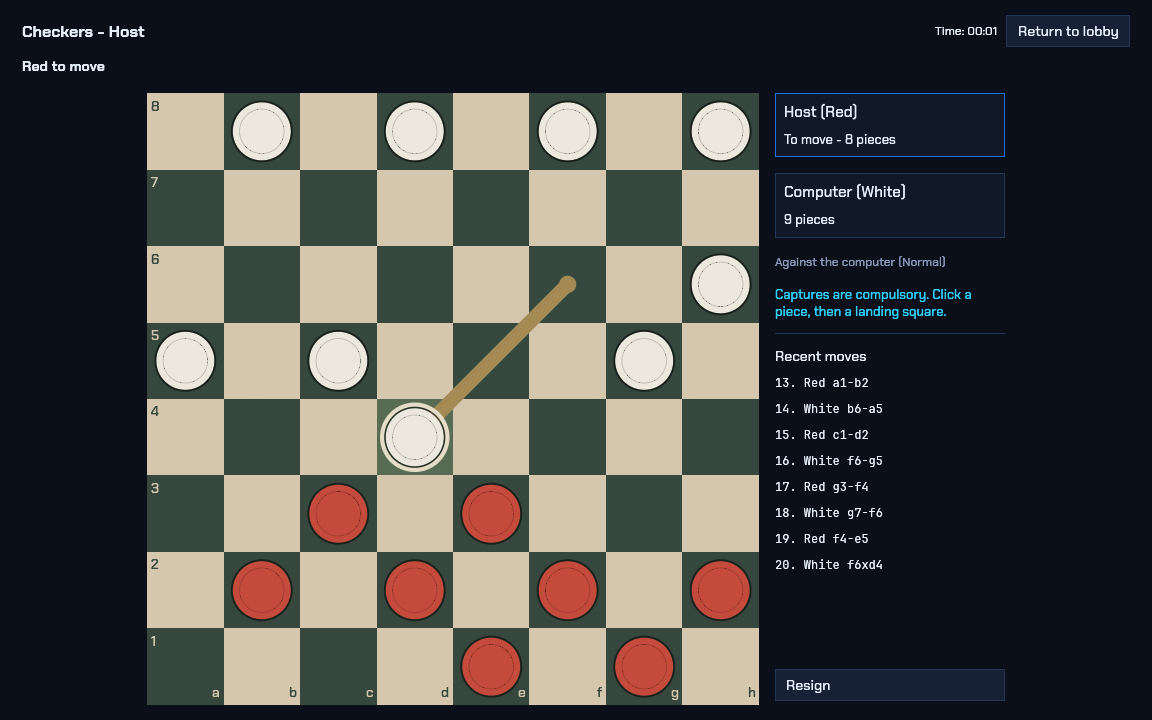
Chain jumps, crown kings, and keep an eye on forced captures. Play on the same screen, online, or against the computer.
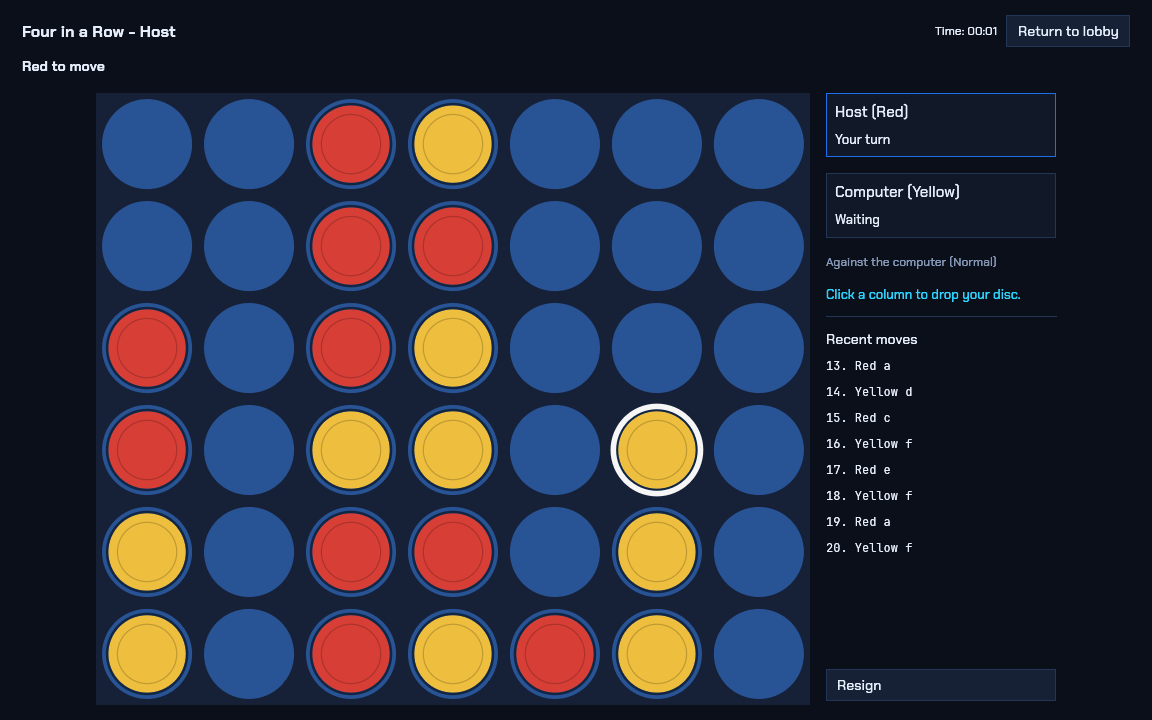
Drop discs into a shared board and line up four. Block your opponent before they can finish a row.
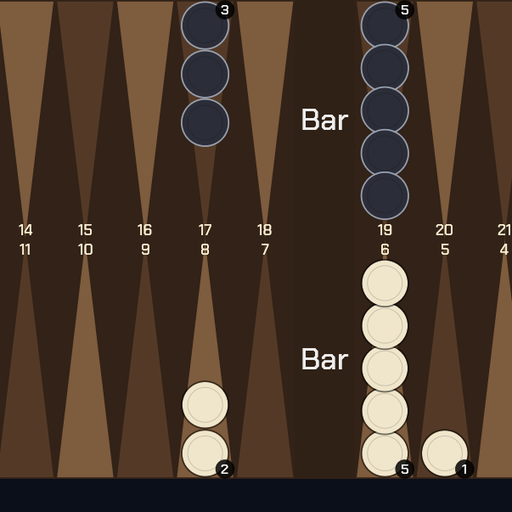 Backgammon
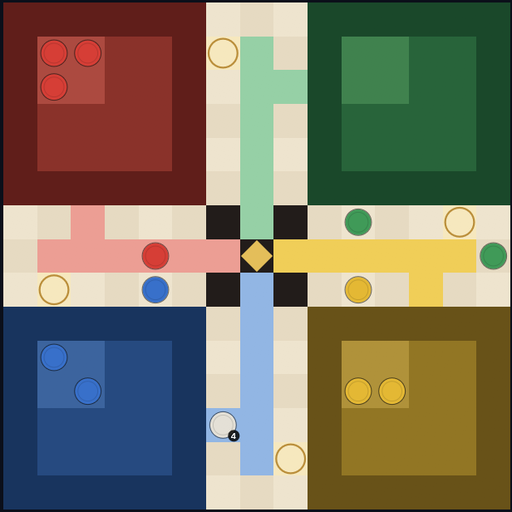 Ludo
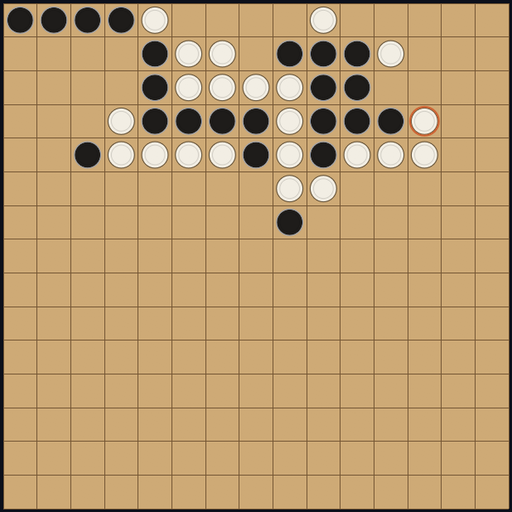 Gomoku
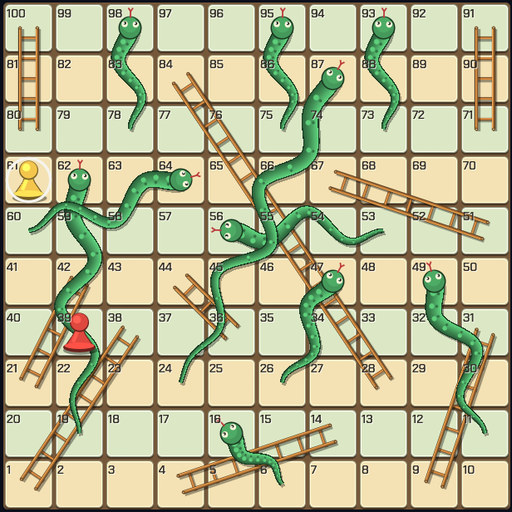 Snakes and Ladders
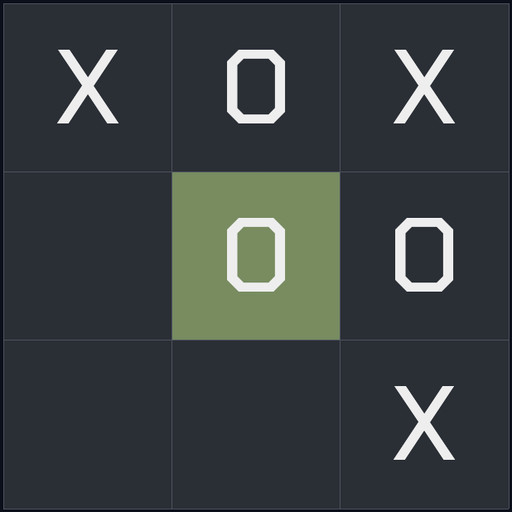 Tic-Tac-Toe
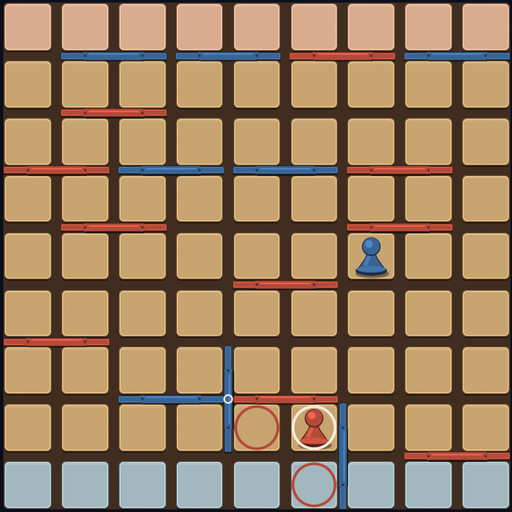 Wall Duel
Battle of the Boats and Ultimate Tic-Tac-Toe round out the ten board games—every board game supports local hot-seat, online play, and a built-in computer opponent.
For larger groups, Jeopardy and Task Knockout support 2–16 players with editable clues and task pools. On Windows, Practice Range adds a signed realtime 3D first-person shooter preview for up to 10 players over LAN or Tailscale.
Browse, install, or edit games from Settings → Manage games.
Player rows show a 30-second average with signal bars that change color as latency rises.

Pick the preview build for your device. Each download is served by GitHub Releases.
Browse all builds and game packsExtract the ZIP, open GameNest.exe, then go to Settings → Manage games to install games.
On Windows, install games from Settings → Manage games. If that catalog cannot load, the Windows game packs ZIP below is a manual fallback. The current Linux (0.11.6) and macOS (0.11.0) releases cannot load that catalog at all, so install from their game packs ZIPs. Android ships its games inside the app. Offline installation needs a copy of the ZIP you downloaded earlier.
Hosts of board games need the game installed. For Practice Range, each player installs a copy of the game.
Windows game packs ZIP Linux game packs ZIP: extract beside the GameNest program macOS game packs ZIP: extract into ~/Library/Application Support/GameNestThe iOS preview is an unsigned IPA that requires your own signing before installation.
Download unsigned iOS preview